

















Featuring

Rajeev Unnikrishnan
Product Manager, MariApps

Kasthuri Rengan
Product Manager, MariApps

Manuprasad K K
Assistant Technical Manager, MariApps
Overview
A Single Environment for Course Delivery, Progress Tracking, and Certification
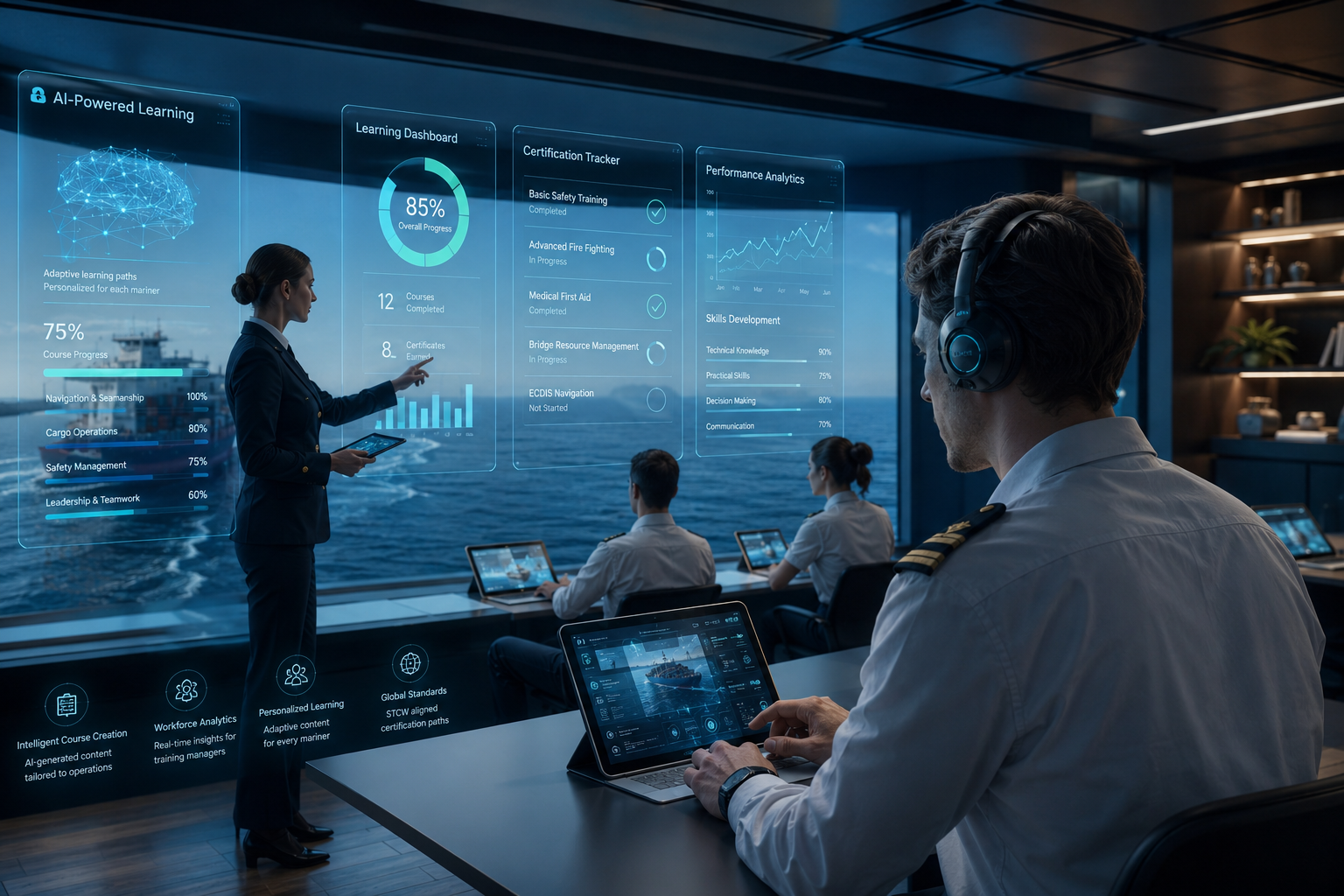
Effective training in maritime operations requires more than access to content. It requires a governed process, clear accountability, and visibility at every stage of the learning journey. MariApps’ maritime Learning Management System (LMS) provides that structure in a single, centralized maritime training platform.
Course content for crew training is created, structured, delivered, and tracked within one environment. Learners progress through defined pathways at their own pace, while administrators maintain full visibility and control over content, user assignments, and completion status. AI-assisted course creation content generation reduces the time and effort required to build new maritime training courses, allowing teams to focus on delivery rather than production.
MariApps’ LMS is not simply a content repository. It is a governed learning environment in which every step, from enrollment to maritime certification, is tracked, structured, and tied to a defined outcome.

Platform Capabilities
Four Core Capabilities Supporting End-to-End Maritime Learning
MariApps’ LMS is structured around four capabilities that directly address the requirements of maritime learning: course management, progress tracking, AI-assisted content generation, and assessments with certifications.


User Experience
Two Distinct User Roles Within One Unified Platform
The LMS is designed to serve two user types, the learner and the administrator, each with a dedicated interface suited to their responsibilities. The learner interface is focused on progress and accessibility. The administrator interface provides the tools required to manage content, users, and reporting.
Admin Workflow
Course Creation Follows a Structured Five-Step Process
The course creation workflow is sequential and clearly defined. Each step must be completed before the next is available, ensuring that no course is accessible to learners without passing through every required stage, including content configuration, assessment design, and final review.
Course Creation Mode
AI-Assisted and Manual Creation Modes to Suit Different Content Requirements
The platform supports two course creation modes. AI mode is suited to situations where speed and efficiency are the primary consideration, generating course structure and content automatically from admin inputs. Manual mode is available where precise editorial control is required, such as compliance-critical or highly specialized content.
Admin Tools
Administrative Tools for Visibility, Assignment, and Reporting
The administrator interface provides three key tools that support the ongoing management of the platform: a centralized course library, a user allocation module, and a learner oversight dashboard. Together, they give administrators the information needed to manage content and track performance across the entire user base.
| Feature | Capability | Type | |
|---|---|---|---|
 |
Course Library | A centralized repository of all published and draft courses, accessible and editable throughout the content lifecycle. | Repository |
 |
Allocate Users | Administrators can view all unallocated courses and assign them to the appropriate learners directly from a single interface. | Assignment |
 |
Learner Oversight | Tracks designations, learning pathways, and course completion status across all users in a consolidated reporting view. | Analytics |